










Free
01Your place to start gathering what interests you. The free plan has no expiry date.
Always freeNot a temporary trial
For the things worth keeping
Save links, upload your files and add notes. Bring them into collections you can find, personalise and share when you choose.
Your collections are private. You decide whether to share anything.
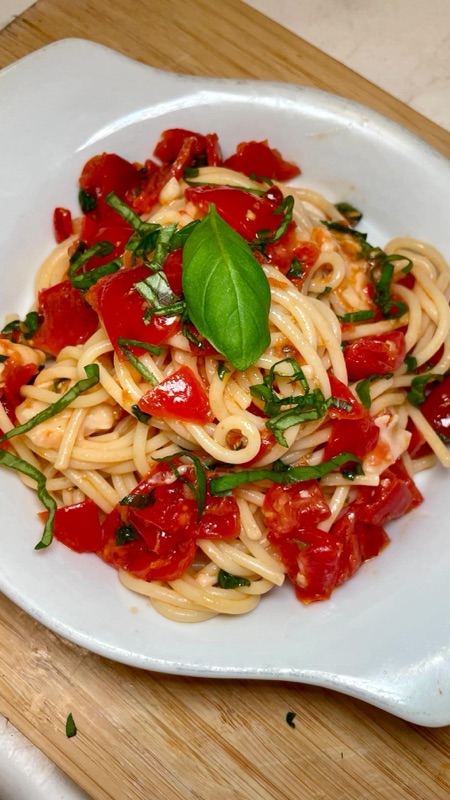
Open a collection, explore a piece or search ‘pasta’. Your library brings together what used to be scattered.
Preparing the interactive preview…
The problem
On Instagram? Your other account? In your browser bookmarks? You save things to come back to them. But between all the apps and never-ending lists, plenty get lost along the way.
From the web and your computer
An article you found, a PDF you uploaded and your own notes can live together. You don't need to split a project between a list of links, a folder of files and another app.
Preparing the interactive preview…
Your discoveries don't live on one platform
A video, a post, an article or a recipe. Keep the reference alongside everything else, without remembering which account you found it on.
Your library first. Sharing is a choice.
Your library is private. If you choose to share, your profile presents the collections you make public in your own style. Change the design here: the same collections, a different presentation.
Explore collectionsPreparing the interactive preview…
Choose more than what you save. Shape how you work, with your own colours, typography and shortcuts.
Personalise the libraryA plan for how you use it
During beta: access all available features, with no paid tiers.
Your place to start gathering what interests you. The free plan has no expiry date.
The next step when NOKOTAB becomes part of your everyday life.
For people whose collections are central to their work and projects.
During beta, explore NOKOTAB with all available features. Plus and Pro will open afterwards; the Free plan stays with you.
What we know about plansFrom the private beta
NOKOTAB helps me organise technical documentation, references, sounds, samples and plugins in a simple and practical way. Now it's easier to find everything and share my collections with other people.
Links, articles, images, videos, audio, your own files and notes. Previews and playback depend on the format and what the source allows.
Use the extension to save pages, select content, capture colours, text or regions and create collections. It also includes saved-item sync for X and Instagram, subject to each platform's limitations. The current version targets Chromium browsers.
No. Collections start private. Keep them that way, share one by link or make it public. Sharing a collection does not publish your entire library.
Yes. NOKOTAB will always have a free plan. Plus and Pro will be paid options to expand your use. All available features are accessible during beta.
No. NOKOTAB brings together the link, context and available media. Sources can change or disappear. Saving a reference does not guarantee a permanent copy or grant rights to content.
Yes, it's in development. We don't have a launch date to announce yet.
Access opens by invitation. Send your request and we'll email you with the next steps.
Private beta
Gather what interests you in a space of your own. Request your private beta invitation; we'll email you with the next steps.